Find my Pixel ID
Start from an ID, a link or a name. Tyton shows the account, business and dataset it belongs to.

Free Chrome extension
Tyton works inside Meta Events Manager. It sets up and checks your Meta Pixel and Conversions API step by step, and nothing changes without your approval.
Free for Chrome, Microsoft Edge, Brave, Opera, Vivaldi, Arc and other Chromium browsers.
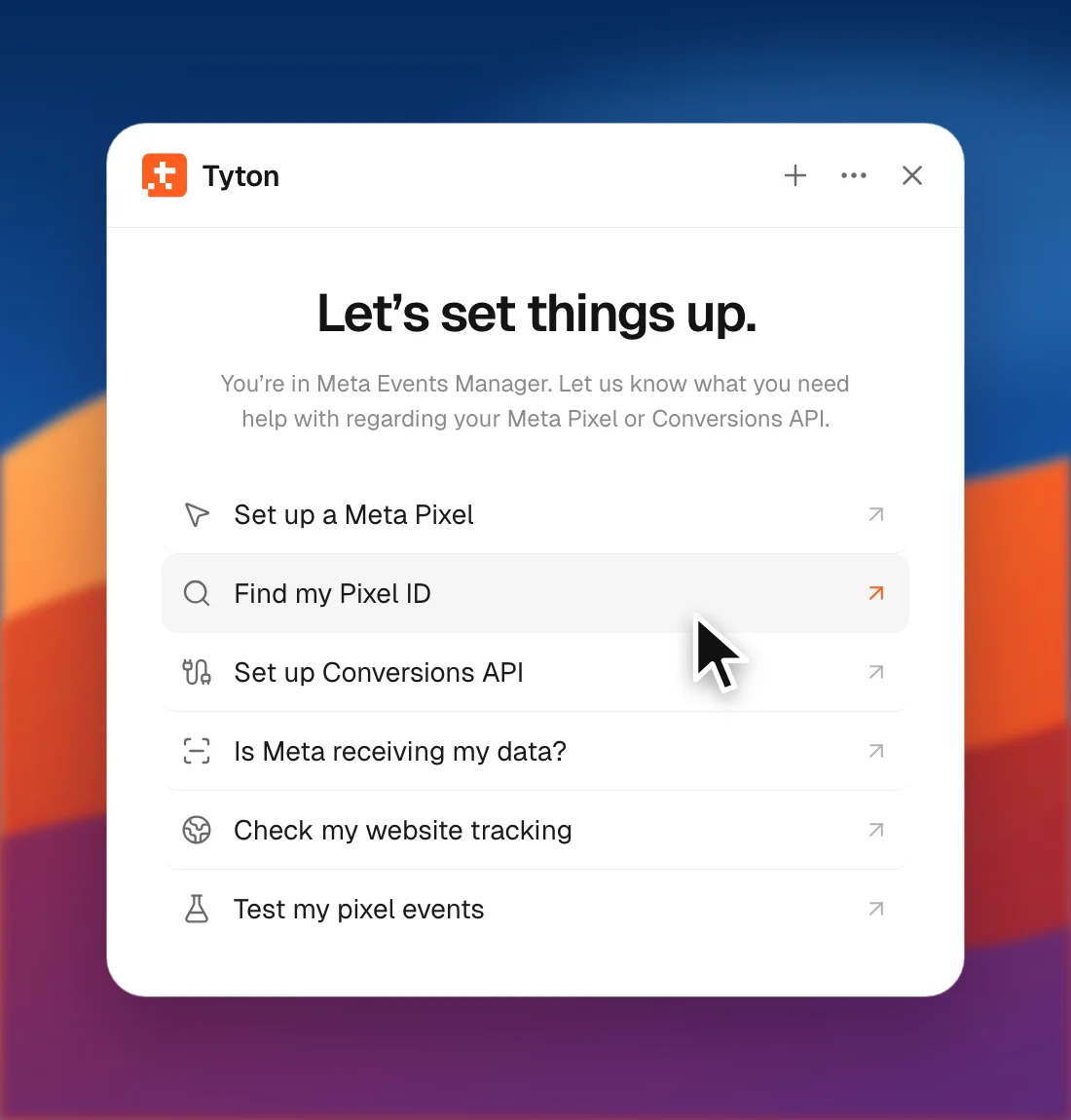
Open the Tyton panel in Events Manager and pick one of six topics.
Start from an ID, a link or a name. Tyton shows the account, business and dataset it belongs to.
You get Yes, No or Not right now, then one line per event: website or server, when Meta last received it and the match quality. You only see the notes that matter, such as page views only, website only, server only, low match quality, stopped events or a quote from Meta’s Diagnostics.
Tyton finds your Pixel code and IDs and checks they match the dataset. It reads your Google Tag Manager containers and checks the trigger fires on every page, and finds the Pixel from Shopify’s Meta app. It works with 12 cookie tools, including Cookiebot and OneTrust: it waits for accept or decline, checks again, and flags a Pixel that runs after decline.
Choose a dataset or create one. Tyton asks for your approval before creating it. Copy code is checked against Meta’s own code, then Tyton asks where your website is built and gives you guided steps.
Connect through your website platform’s Meta partner, or with your own coding agent through the paid Tyton service.
Opens Meta’s Test events for your site.
Tyton finds your business and dataset, opens the right Meta screen and clicks for you with a visible cursor, so you can watch every step.
Tyton finds Pixels inside your site’s Google Tag Manager containers and Shopify’s Meta app, even when an ad blocker or Brave stops them firing.
Tyton reads Events Manager to tell you whether Meta receives your data, per event, from the website or the server.
Step 1
Install the free extension from the Chrome Web Store.
Step 2
Open the Tyton panel and choose what you need help with.
Step 3
Tyton shows an approval card before it creates or changes anything.
An approval card appears before anything is created or changed. If Tyton reaches a screen it doesn’t recognise, it stops and you press Continue or Stop.
Tyton never types passwords, payment details or access tokens. Your Conversions API token is sealed inside the page and never stored or sent in plain text.
No account and no analytics. Each permission the extension asks for is explained in plain words.
Chrome shows the “Tyton started debugging this browser” bar while Tyton clicks for you. Closing the bar stops the task.
Read the extension privacy policy.
Yes. The extension is free. The paid part is the Tyton service for setting up the Conversions API with your own coding agent.
Chrome 118 or newer, and other Chromium browsers such as Microsoft Edge, Brave, Opera, Vivaldi and Arc.
No. An approval card appears before anything is created or changed, and Tyton stops on any screen it doesn’t recognise until you press Continue or Stop.
Your conversations stay on your device. There is no account and no analytics. Read the extension privacy policy for the details.
No. The extension has no AI. The paid Tyton service works with your own AI coding agent to set up the Conversions API.
The paid Tyton service sets up the Conversions API with your own coding agent. Tyton starts at $17/month, with a 30-day money-back guarantee on your first payment.
Tyton is not affiliated with, endorsed or sponsored by Meta Platforms, Inc. Meta, Facebook and Meta Pixel are trademarks of Meta Platforms, Inc.