Guide
How to find your Meta Pixel ID
Your Meta Pixel ID is the number that tells Meta which dataset your website events belong to. You find it in Meta Events Manager. It takes a minute by hand, or you can let Tyton’s free Chrome extension find it for you.
Meta now calls your Pixel a dataset. For a website, the Dataset ID and the Pixel ID are the same number.
No dataset yet? Follow how to create a Meta Pixel first.
Open Events Manager
Sign in to Meta Events Manager and choose your business portfolio from the business selector. If you can’t see your business, ask its administrator to give you access to it and its dataset.
Pick your website’s dataset
Look under Datasets or Data sources and open the dataset your website uses. If you have more than one, pick the one connected to your website.
Copy the ID
The numeric ID is shown with the dataset’s name. You can also open the dataset’s Settings and copy the Dataset ID there. This is your Pixel ID.
Check the label beside the number before copying: a Page ID, business ID or ad account ID belongs to a different asset.
The Pixel ID is public and appears in website code. Keep your Conversions API token private.
Let the Tyton extension find it
The free Tyton Chrome extension works inside Meta Events Manager. Open it and choose Find my Pixel ID.
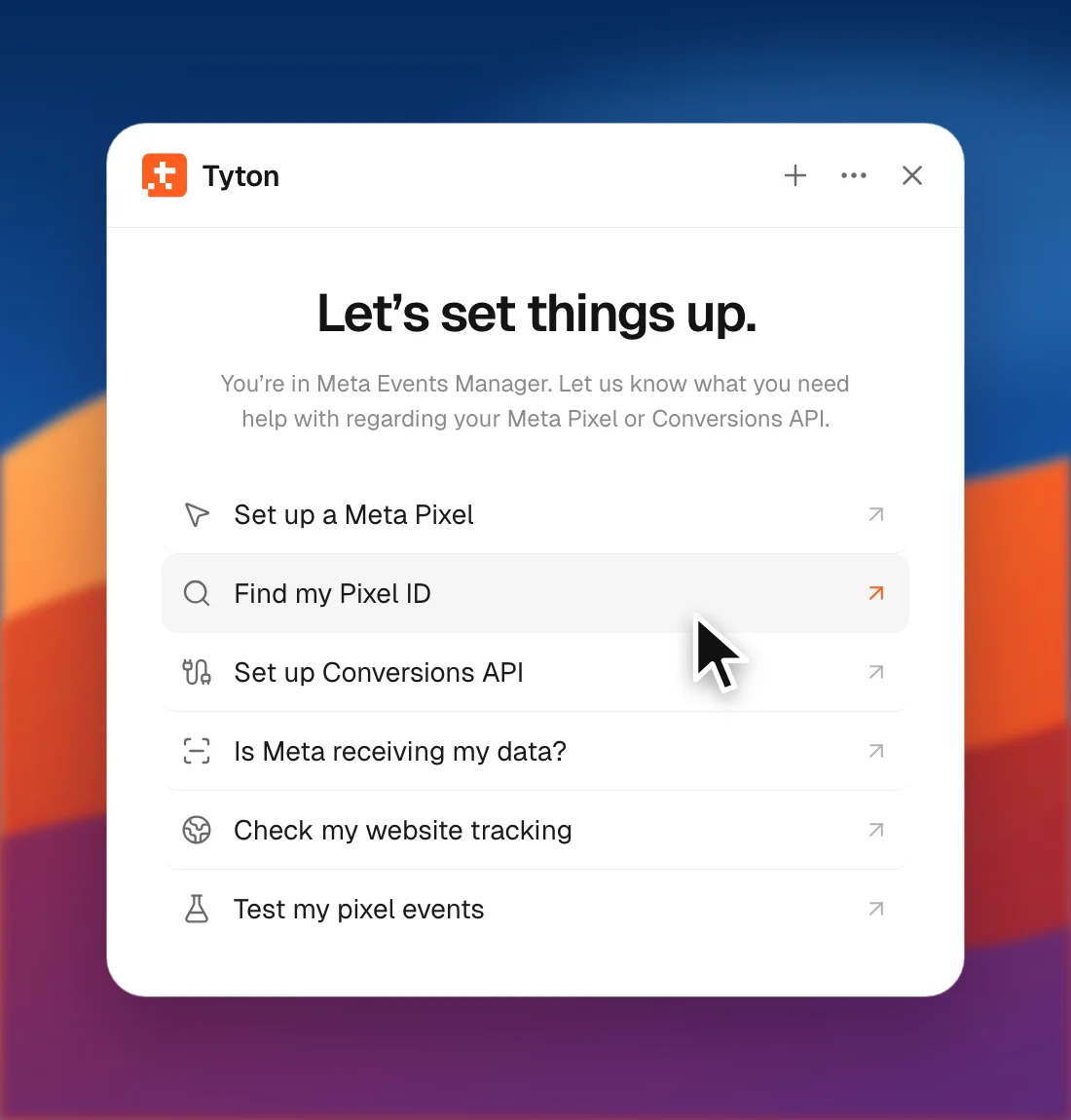
- Tyton opens your business. If you have more than one, it lists them and you pick.
- You choose the dataset. Tyton opens it and reads the ID from the page.
- It tells you the dataset name, the business and the ID, ready to copy.
- Press Check my website and Tyton checks whether your site loads that Pixel.
Already have a link or an ID? Paste an Events Manager link, or type something like “dataset 123…”, and Tyton starts from there.
Finding the ID is read only. Tyton doesn’t change anything in Meta. If you’re logged out, it opens Facebook’s login page and you sign in yourself. Tyton never types passwords.
What to do with the ID
Save it in Tyton’s Meta setup so your agent can install and test your tracking. Your browser Pixel and Conversions API should use the same dataset. Next, generate a Conversions API token.